
Voice notes
Up to five minutes. Record a cue between sets.
0:26 voice note
Voice notes, files and video in one inbox for every client. Every message knows which session or meal it is about.
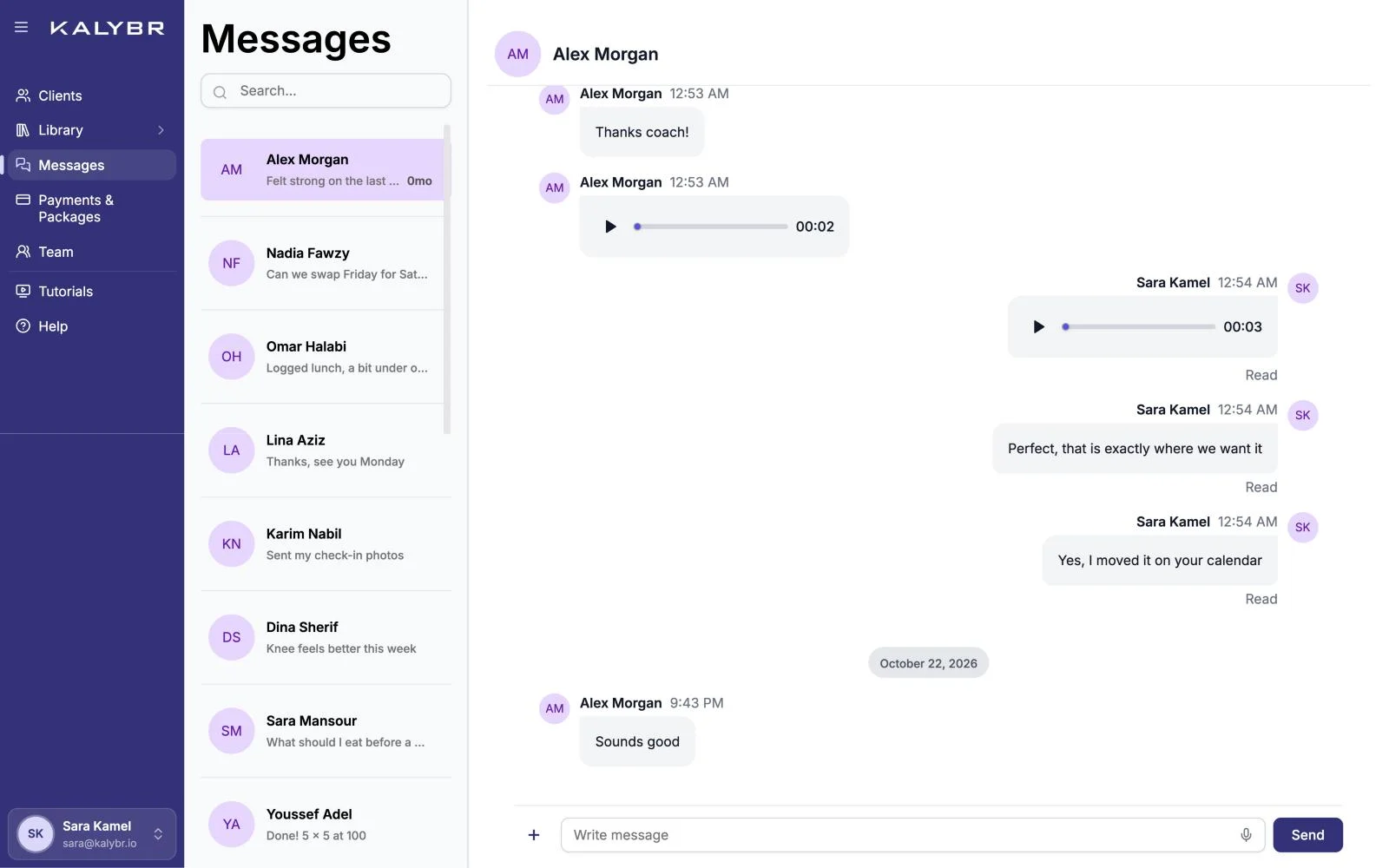
Every message sits on the session or the meal it is about.
This is the coach web app. Scroll to clear the inbox.
All threads together, with unread first when you want it.
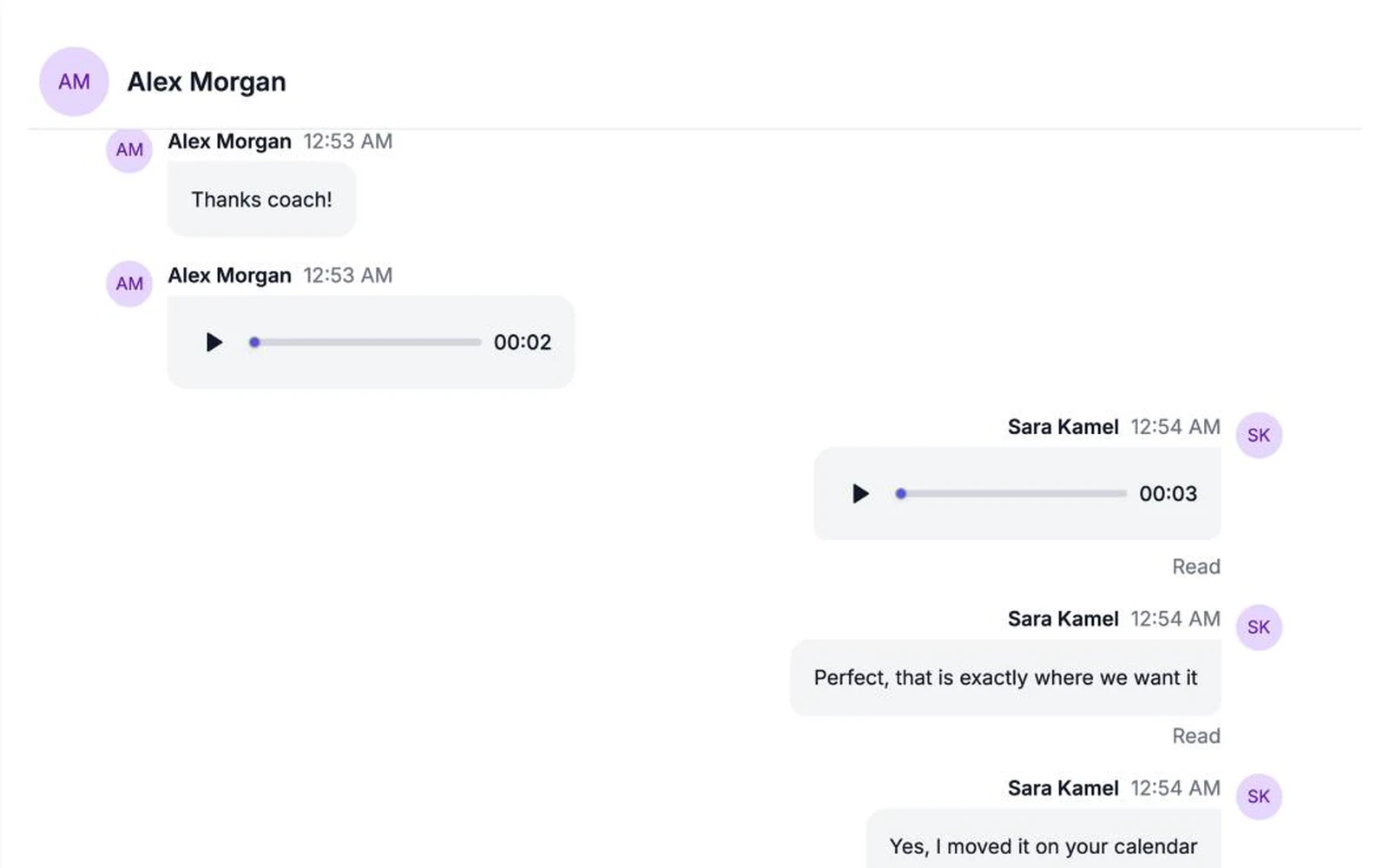
Send the reply, then open their profile if you need the full picture.
And your client’s side, in their app.
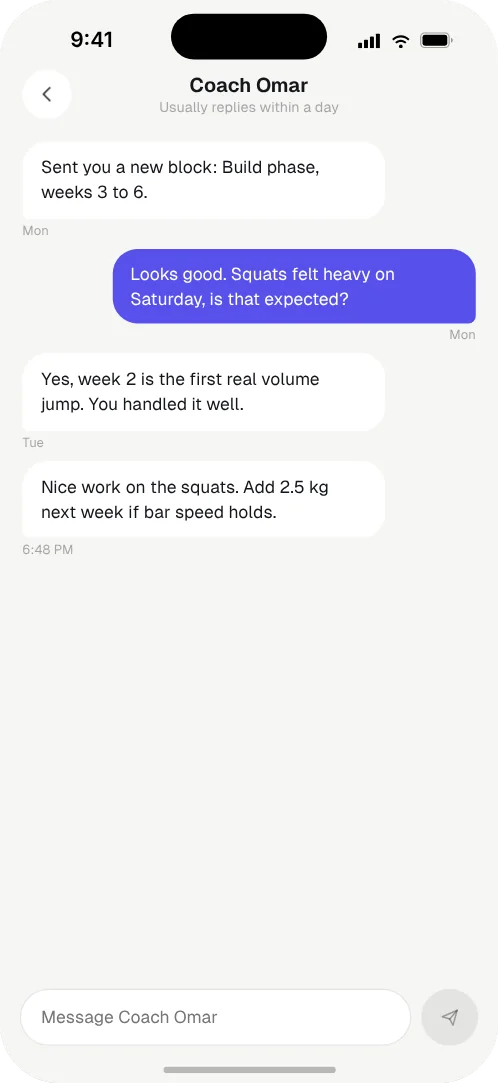
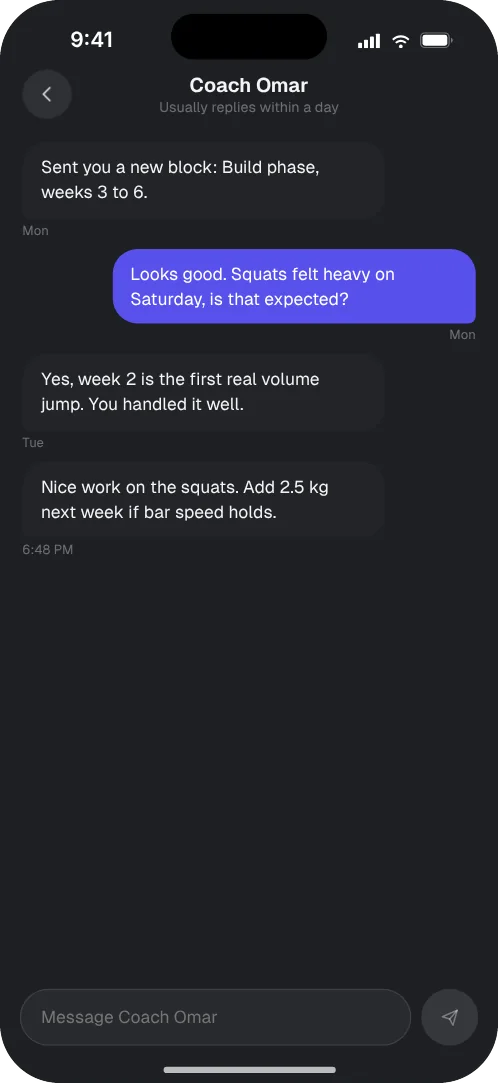
Messages, voice notes, photos, files and video sit in one thread with their coach.
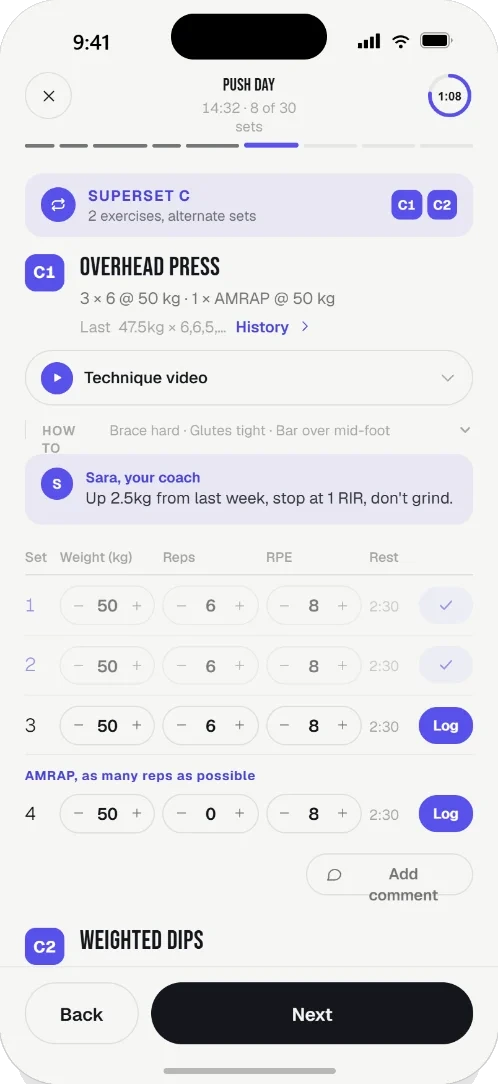
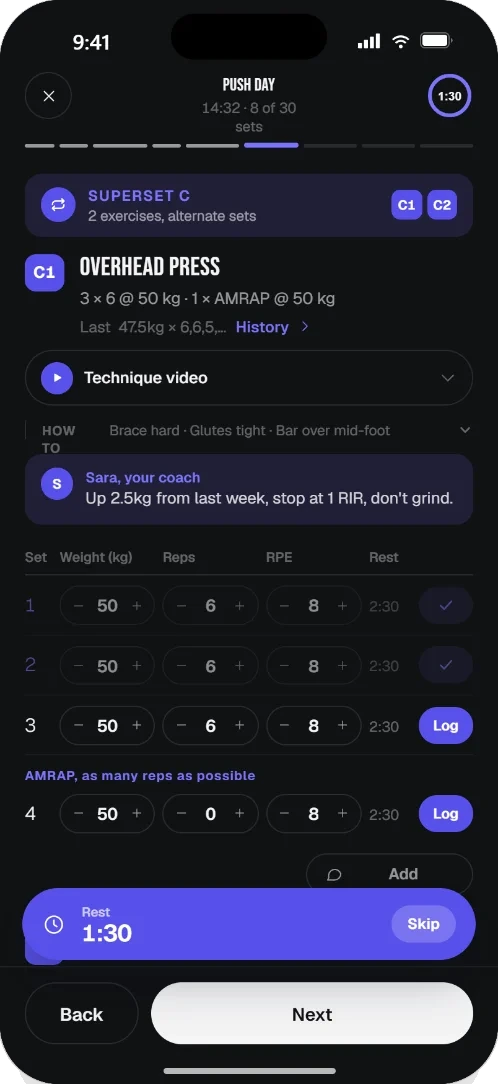
After training they tell you how it went, on the session or on a single exercise.
How a conversation starts where the work happened.
Or log a meal, or send a check-in.
Text, a voice note, a photo, a video or a file.
To that exercise, meal or check-in, not a loose chat.
In a line or a voice note. They see it on the work.
Voice, files and video in the thread, where the athlete already is.
Up to five minutes. Record a cue between sets.
0:26 voice notePDFs, images and plan documents in the thread.
Block 3 plan.pdf, sent to AlexAthletes send video. You reply on the clip.
Form check on squat, reply on the clipWhat Kalybr does with every message that comes in.
A client has written and you have not replied.
Their thread moves to the top until you do.A client attaches a clip to a set.
It opens on that exercise, with their numbers beside it.A message arrives inside your quiet hours.
It is held, and waiting for you in the morning.Another coach on your team is assigned.
They see the thread, by the role you gave them.Fit the inbox to your rhythm, not the other way round.
Short cues that sound like you, between sets or between clients.
Structured replies on a set day. Quiet hours hold the rest.
Shared clients visible to the coaches you assign, by role.
Mixed in with family and friends
One inbox, clients only
You scroll up to find out
Pinned to the session or meal
Fine, until you need to find one
Searchable, on the right exercise
A video with no context
On the set, next to the load
Always on
Quiet hours you set
A separate form
In the same thread as your messages
Yes. Form checks and clips attach to the thread or to the session.
Only when a client is shared with them, based on the roles you set.
Yes. Set hours when notifications hold until morning.
Yes, on every plan.

Thirty days on the full platform. We rebuild your programs for you.